Launcher and downloader combined for minimalist Android setups
LaDownloader merges a minimalist home screen and a built-in media saver into a single workflow: a sci-fi themed launcher that also detects and saves public videos and images. Maria Ihsane EL BAHI publishes this Android utility, which pairs a file manager and background download capability. Key tools include an app drawer, progress tracking for downloads, and storage organisation. It fits Android users who want fewer apps on their device and offline access to media files.
What does the app actually do for your device?
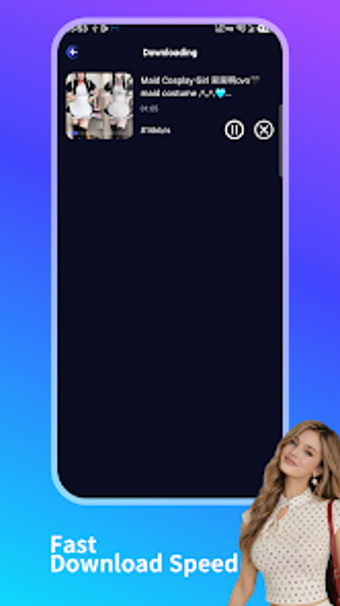
The app acts as both a home screen replacement and a media downloader, detecting publicly accessible video and image URLs and saving them to local storage. It includes a built-in file manager for organising and viewing downloaded items, an app drawer to reduce on-screen clutter, and background downloading with real-time progress tracking, so the workflow goes from link detection to saved file without switching separate apps.
Does it affect device performance during regular use?
The developer designed the app to be lightweight for Android devices, which suggests modest resource demands during everyday use. Background downloading operates while the launcher remains active, and progress tracking runs in real time. Users on lower-end hardware should monitor memory use during simultaneous heavy downloads, since the app both hosts the launcher UI and manages file transfers on the same process.
Is it safe to use and what permissions does it require?
The app declares no data collection or third-party sharing, which aligns with a privacy-focused design. It requires storage access to write downloaded media and the usual launcher permissions to replace the home screen. The developer provides the downloader for public links only, and the app’s safety model depends on granting read/write access for saved files and the file manager functions.
Recommendation and practical guidance for potential users
The app suits Android users who prefer a single, compact utility to manage their home screen and offline media. Expect a modest system footprint but plan downloads during idle periods on lower-end devices to avoid resource contention. For those who prioritise a privacy-first download tool embedded in a launcher, this is a direct option. Recommended.